WPA3 Security
Higher password safety and enhanced protection against attacks**
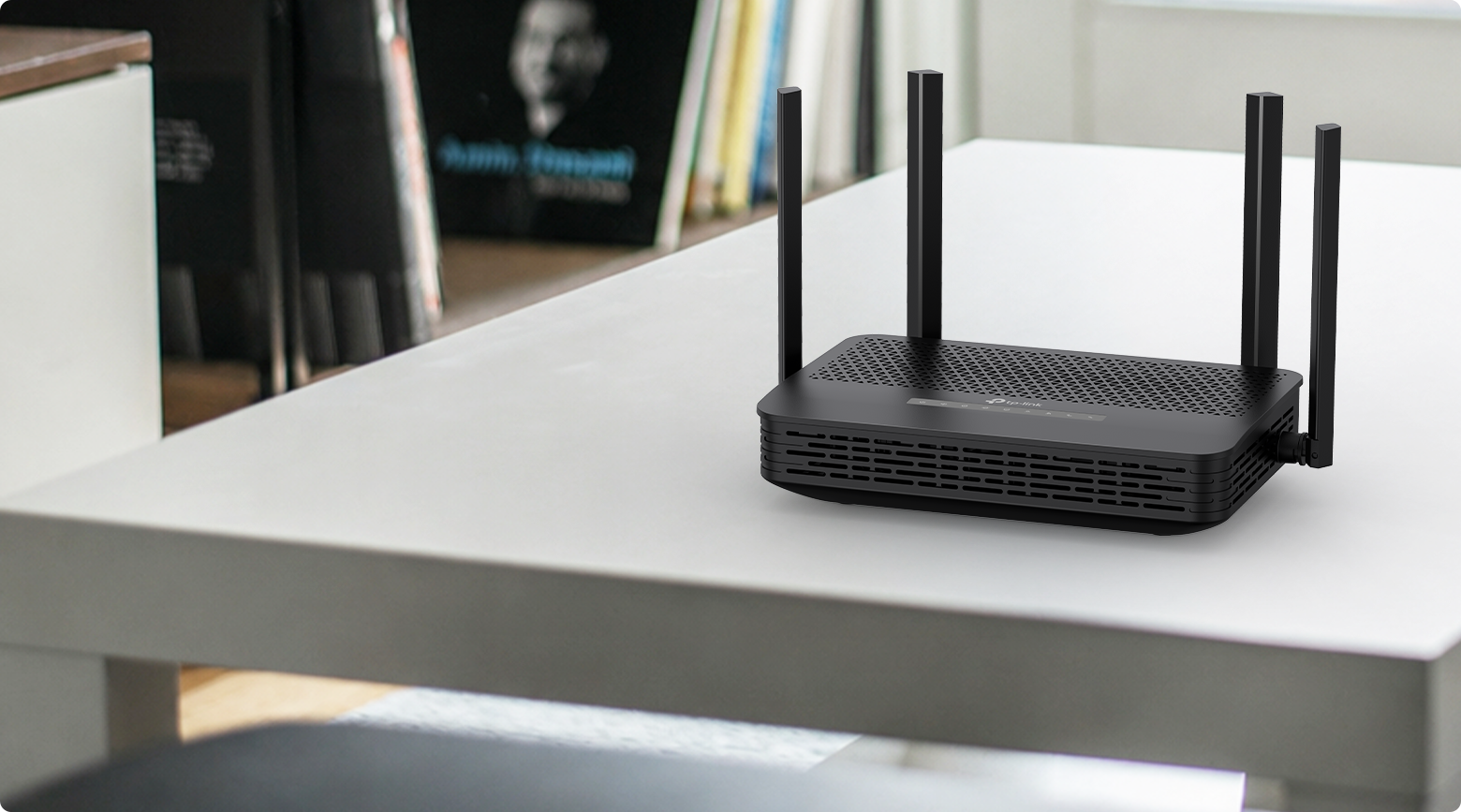
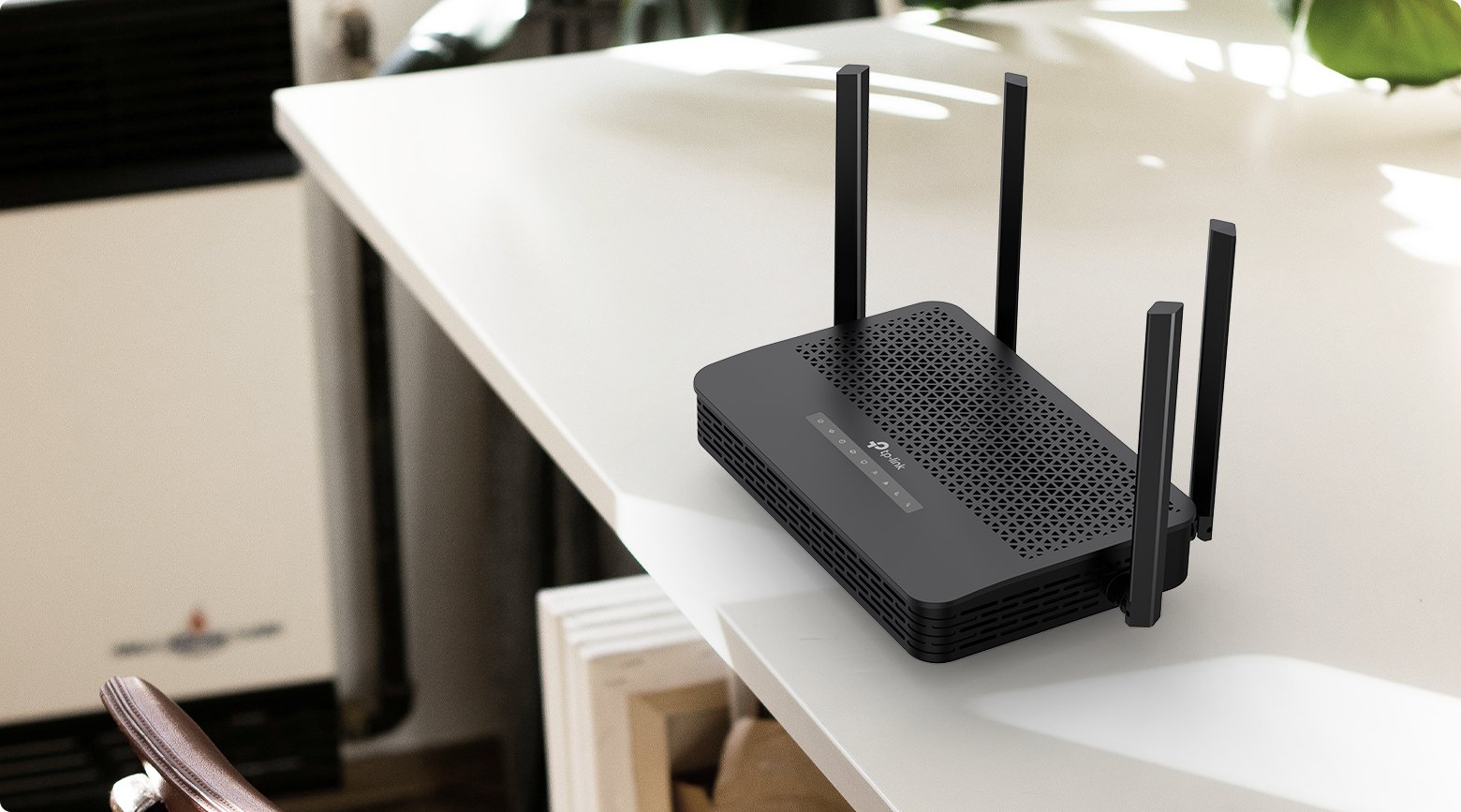
XX534v
XX534v
3 Gbps Dual-Band Speeds
2 + 2 Simultaneous Spatial Streams
GPON + EPON
Fiber Access
Uniform Gigabit Ports
TR-069/OMCI Remote Management
Aginet Solution
End-to-End
Management Platform
EasyMesh- Compatible
MU-MIMO
Parental Controls
Enhanced Security
VoIP Calls
WiFi 6 (802.11ax) technology brings faster speeds, less lag, and higher capacity, enabling more simultaneous connections on your home network. Every application feels more fluid with drastically improved WiFi speeds. Both the 2.4 GHz band and 5 GHz band get upgraded to the WiFi 6 generation—perfect for 4K/8K streaming, online gaming, and fast downloading.*
5 GHz


2×2 Spatial Streams
2402 Mbps
2.4 GHz


2×2 Spatial Streams
574 Mbps
Larger Capacity
Lower Latency
1024-QAM
160 MHz Bandwidth
Target Wake Time
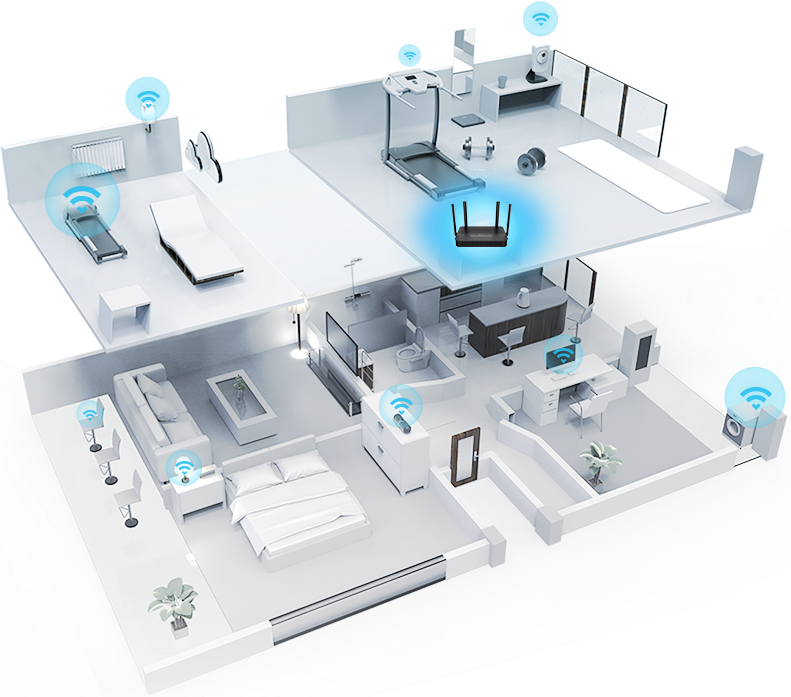
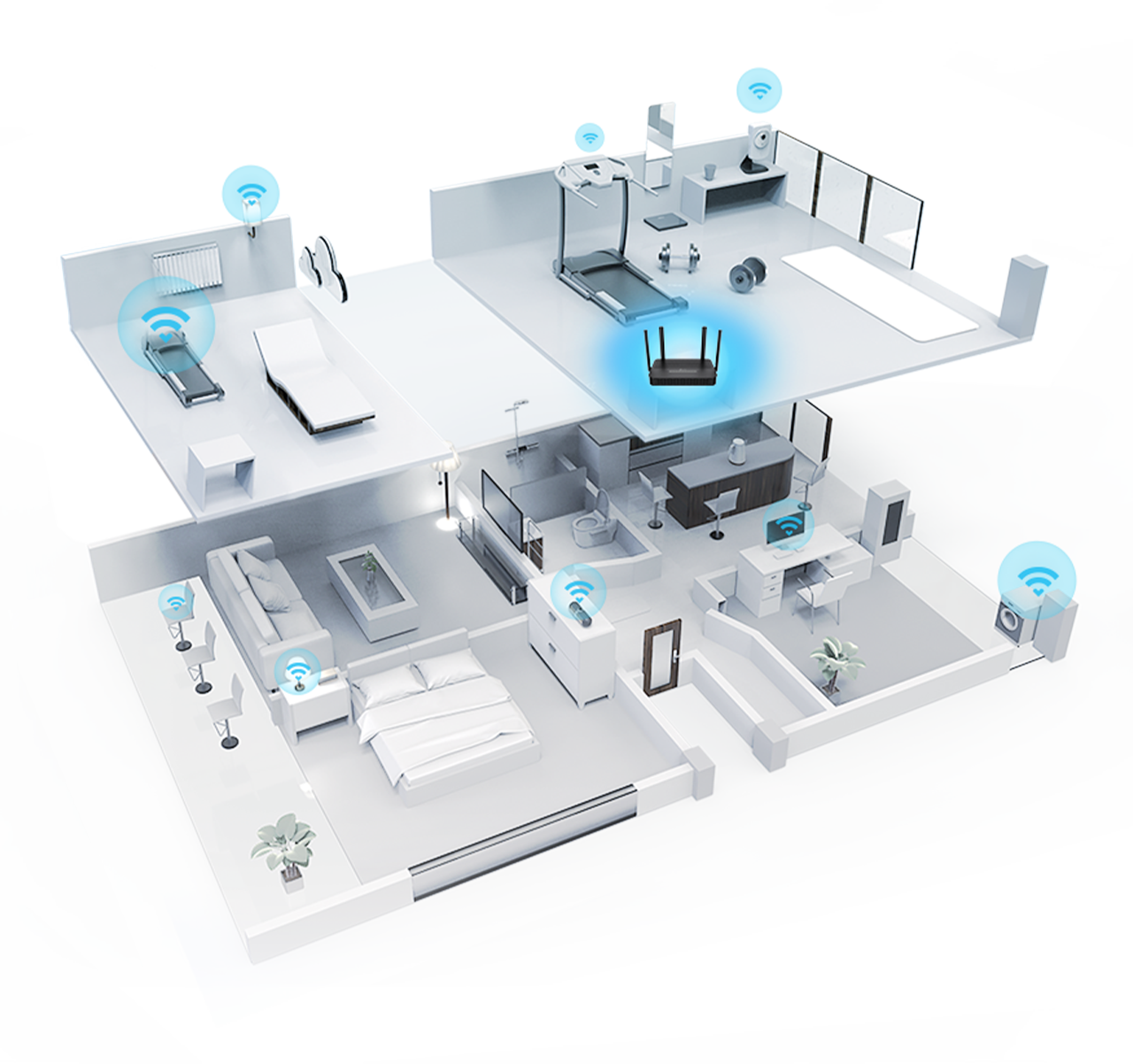
Easily handle dozens of devices streaming and gaming at the same time. OFDMA and MU-MIMO future-proof your home network by providing greater capacity to connect more devices.**
OFDMA separates a single spectrum into multiple units and enables different devices to share one transmission stream, increasing efficiency and reducing latency.
Simultaneously transfers data to multiple devices for 2× faster performance.
High-performance antenna arrays and beamforming technology work together to optimize WiFi coverage, perfectly fitting your home and directing signal strength toward every device.
Create a unified mesh WiFi network with other EasyMesh-compatible routers or mesh APs for seamless whole home coverage.†

Whole Home Coverage
Eliminate weak signal areas with WiFi coverage for your entire home

Seamless Roaming
Uninterrupted streaming when moving around your home

One WiFi Name
No more switching WiFi network names when you walk around

Robust Backhaul
Supports both wireless backhaul and Ethernet backhaul


EasyMesh Routers


Traditional Router with Extender
Enjoy fast and stable internet with flexible fiber access through XPON technology, compatible with both GPON and EPON standards. The gigabit Ethernet WAN/LAN port acts as a backup for a modem or switch via Ethernet cabling, and the Gigabit LAN ports deliver ultrafast, stable wired connections for PCs, game consoles, and more.‡
Scenario 1: Fiber Access
GPON up to 2.5 Gbps
Downlink/1.25 Gbps Uplink
EPON up to 1.25 Gbps Downlink/Uplink
Scenario 2: Ethernet Access
Up to 1 Gbps
Downlink/Uplink
Modem/
Switch
Ethernet Cable
XX534v integrates a high-performance phone system. You can connect your analog phone to the router with various VoIP call features, such as caller ID, call waiting, call holding and call forwarding to surpass traditional landlines.
Analog Phone
VoIP Calls


Higher password safety and enhanced protection against attacks**
Block inappropriate content and restrict time spent online
Create separate networks for visitors and keep your main network secure
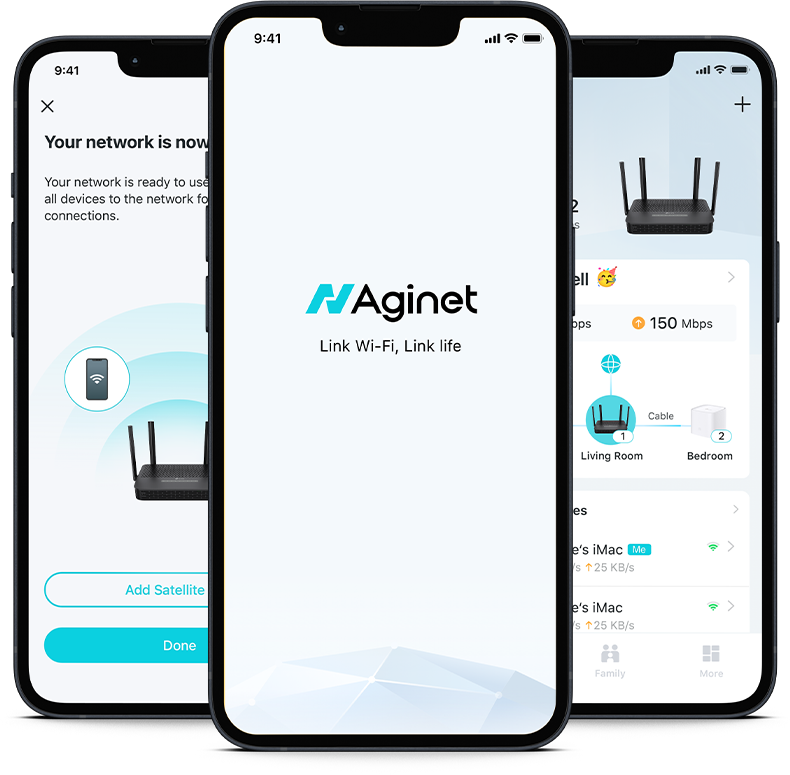
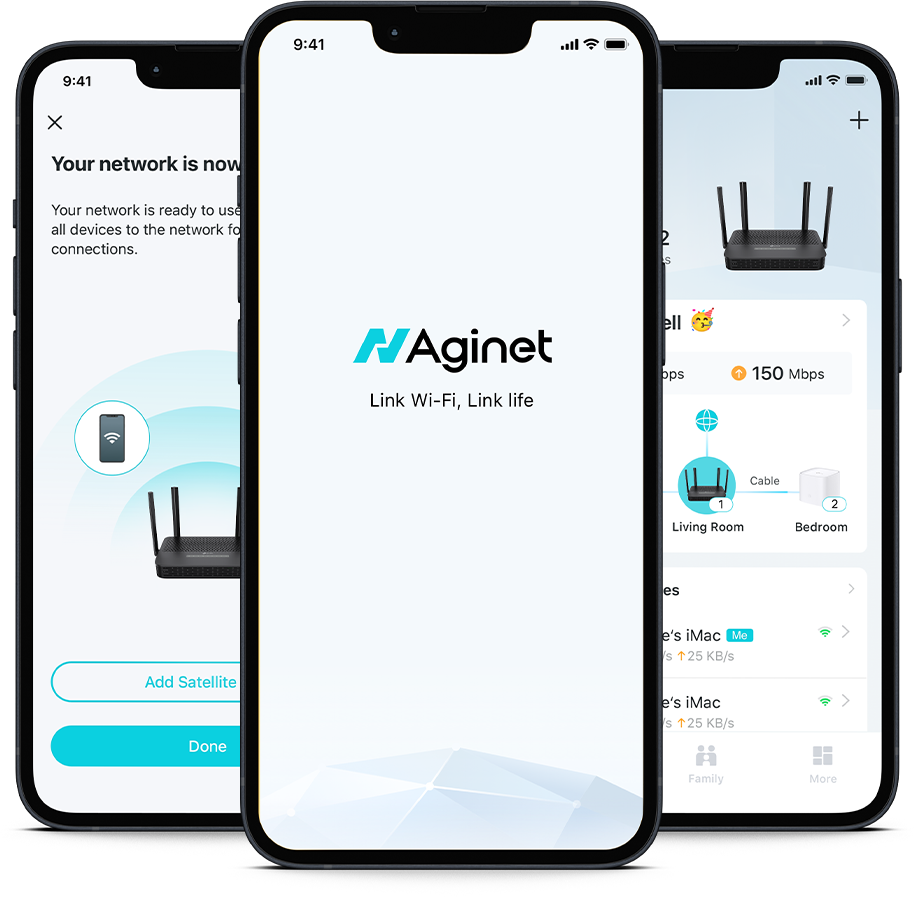
You can set up your device and network in minutes, whether you prefer the powerful Aginet app or the intuitive web interface. The Aginet app allows you to manage your network from a smartphone or tablet.


Service provider can remotely configure and manage devices via their ACS (Auto-Configuration Server, based on TR-069) system or the OMCI (ONU Management Control Interface) protocol. High-level operations are also supported thanks to compatibility with TR-181, TR-111, and TR-143 protocols. While the home user can enjoy more efficient service experiences.
The Aginet solution offers ISPs powerful and flexible platforms to manage multiple devices for connected homes, such as dynamic service provisioning, zero-touch firmware upgrading, and remote troubleshooting and mesh WiFi diagnostics.
*Maximum wireless signal rates are the physical rates derived from IEEE Standard 802.11 specifications. Actual wireless data throughput, coverage, and quantity of connected devices are not guaranteed and will vary as a result of network conditions, client limitations, and environmental factors, including building materials, obstacles, volume and density of traffic, and client location.
**Use of WiFi 6 (802.11ax), and features including OFDMA, DL/UL MU-MIMO, 1024-QAM, HE160, and WPA3 requires clients to also support the corresponding features. Not all 160 MHz channels may be available in some regions/countries due to regulatory restrictions.
†A mesh network requires two or more devices. This product is compatible with standardized EasyMesh technology but has not obtained the Wi-Fi EasyMeshTM certification. It functions solely as a controller and supports either wireless or wired backhaul, with wired backhaul taking priority. Seamless roaming/No-Drop WiFi refers to the WiFi roaming that supports IEEE 802.11 k/v protocol, helping connected devices search and shift from one AP to another within 0.3 seconds. Clients need to support 802.11 k/v and may require additional setup. Performance may vary depending on the client device.
‡2.5 Gbps, multi-gig or 1000 Mbps internet speeds require compatible service plans and equipment. Actual network speed may be limited by the rate of the product's Ethernet WAN or LAN port, the rate supported by the network cable, internet service provider factors, and other environmental conditions.
Power Consumption (EU/US v2.0):
Power consumption in off mode: 0.1W
Power consumption in networked standby: 6.2 W.
Power consumption in networked standby when all wired network ports are connected, and all wireless network ports are activated: 7.3 W.
Auto-switch to networked standby via power management function: After 20 minutes (default).
How to activate and deactivate the wireless network: Enter the product's webpage once connected. The wireless network can be turned on/off by going to Basic > Wireless and clicking Enable 2.4 GHz/5 GHz Wireless Network.
| HARDWARE FEATURES | |
|---|---|
| External Power Supply | 12V/1.5A |
| Interface | 1× SC/APC PON Port1× Gigabit Ethernet WAN/LAN Port3× Gigabit Ethernet LAN Ports1× Phone Port |
| Button | WPS/Wi-Fi ButtonReset ButtonPower On/Off Button |
| Antenna | 4× External Dual-Band Antennas + 1× Internal 5G Antenna |
| Data Rates | Downstream Speeds: 2.488 Gbps (GPON), 1.25 Gbps (EPON)Upstream Speeds: 1.244 Gbps (GPON), 1.25 Gbps (EPON)‡ |
| WIRELESS FEATURES | |
|---|---|
| Frequency | 2.4 GHz and 5 GHz |
| Signal Rate | AX30005 GHz: Up to 2402 Mbps (HE160)2.4 GHz: Up to 574 Mbps (HE40)* |
| Wireless Functions | Enable/Disable Wireless Radio, WMM, Wireless Statistics |
| Wireless Security | WPA/WPA2/WPA3 Encryptions |
| Wireless Standards | IEEE 802.11a/n/ac/ax 5 GHzIEEE 802.11b/g/n/ax 2.4 GHz |
| Transmission Power | CE:<20 dBm (2.4 GHz)<23 dBm (5 GHz) |
| Multi-SSID | 2× 5 GHz Multi-SSID2× 2.4 GHz Multi-SSID |
| Wireless Schedule | Support 2.4 GHz and 5 GHz Wireless Schedule |
| Mesh Technology | EasyMesh Compatible, and support 802.11k/v/r |
| SOFTWARE FEATURES | |
|---|---|
| DHCP | Server, Client, DHCP Client List, Address Reservation, DHCP Relay |
| Port Forwarding | Virtual Server, Port Triggering, DMZ, ALG, UPnP |
| Quality of Service | Hardware QoS, Flow Classification |
| Dynamic DNS | DynDns, NO-IP |
| VPN Pass-Through | PPTP, L2TP, IPSec Pass-through |
| Management Features | Local management: WebGUI, Aginet app (for end users) Remote management: Aginet ACS, OMCI, TR-069/TR-369, TR-098, TR-181, TR-111, TR-143 for service providersAginet APP for end user (need to log in with TP-Link ID and bind your device to it)Cloud management: TAUC (TP-Link Aginet Unified Cloud)-ACS |
| Security | NAT Firewall, Access Control, MAC/IP/URL Filtering, IP and MAC Address Binding, Defense “Denial of Service (DoS), SYNFlooding, Ping of Death" |
| Advanced Features | Parental Controls, Guest Network, Network Address Translation (NAT), Port Mapping (Grouping), Static Routing, DNS Relay, DDNS, IGMP V1/V2/V3 |
| Protocols | IPv4, IPv6 |
| VPN Server | PPTP VPN, IPSec VPN , OpenVPN |
| OTHERS | |
|---|---|
| Package Content | XX534v UnitRJ45 Ethernet CablePower AdapterQuick Installation Guide |
| Environment | Operating Temperature: 0℃–40℃ (32℉–104℉)Storage Temperature: -40℃–60℃ (-40℉–140℉)Operating Humidity: 10%–90% non-condensingStorage Humidity: 5%–90% non-condensing |
