-
Products
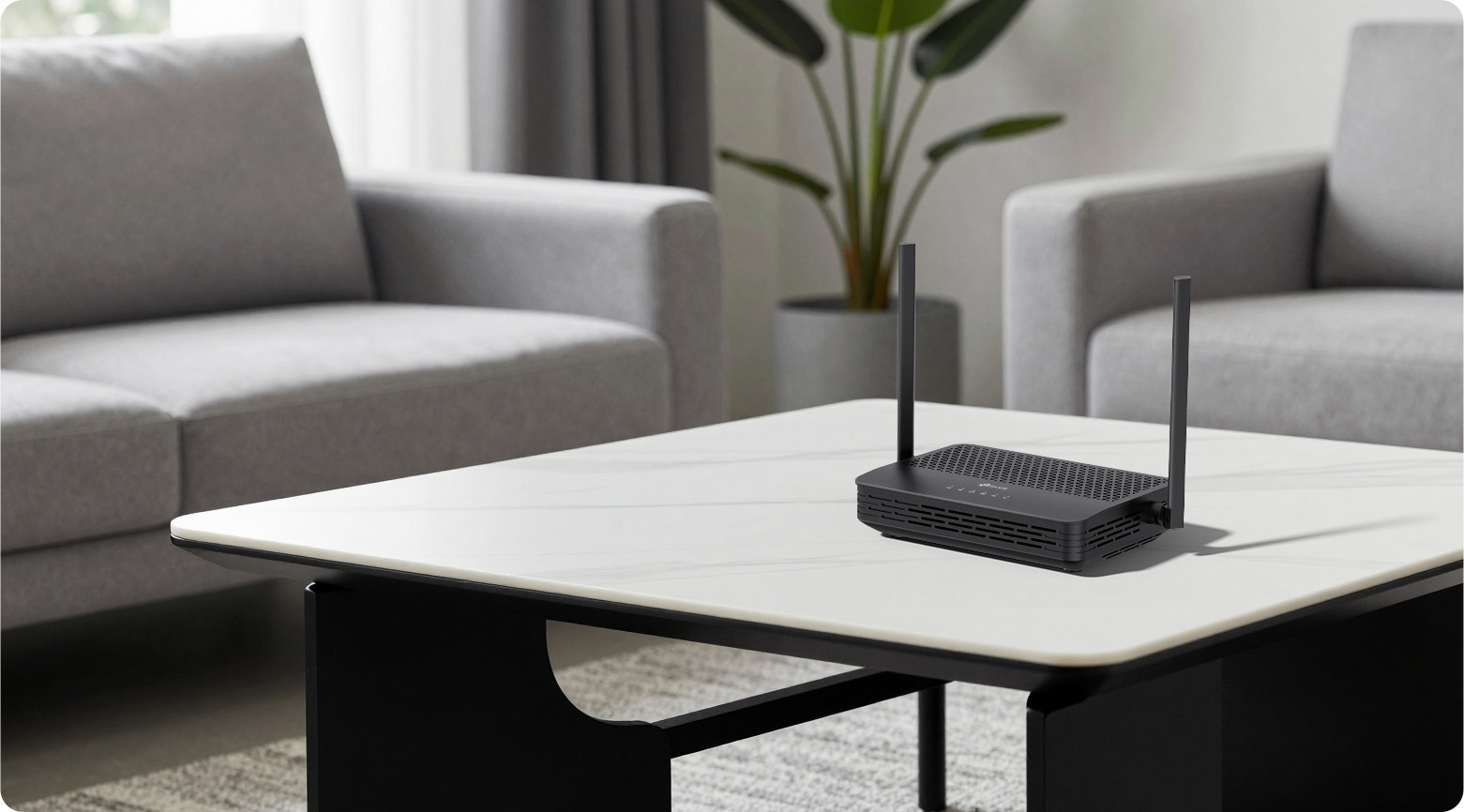
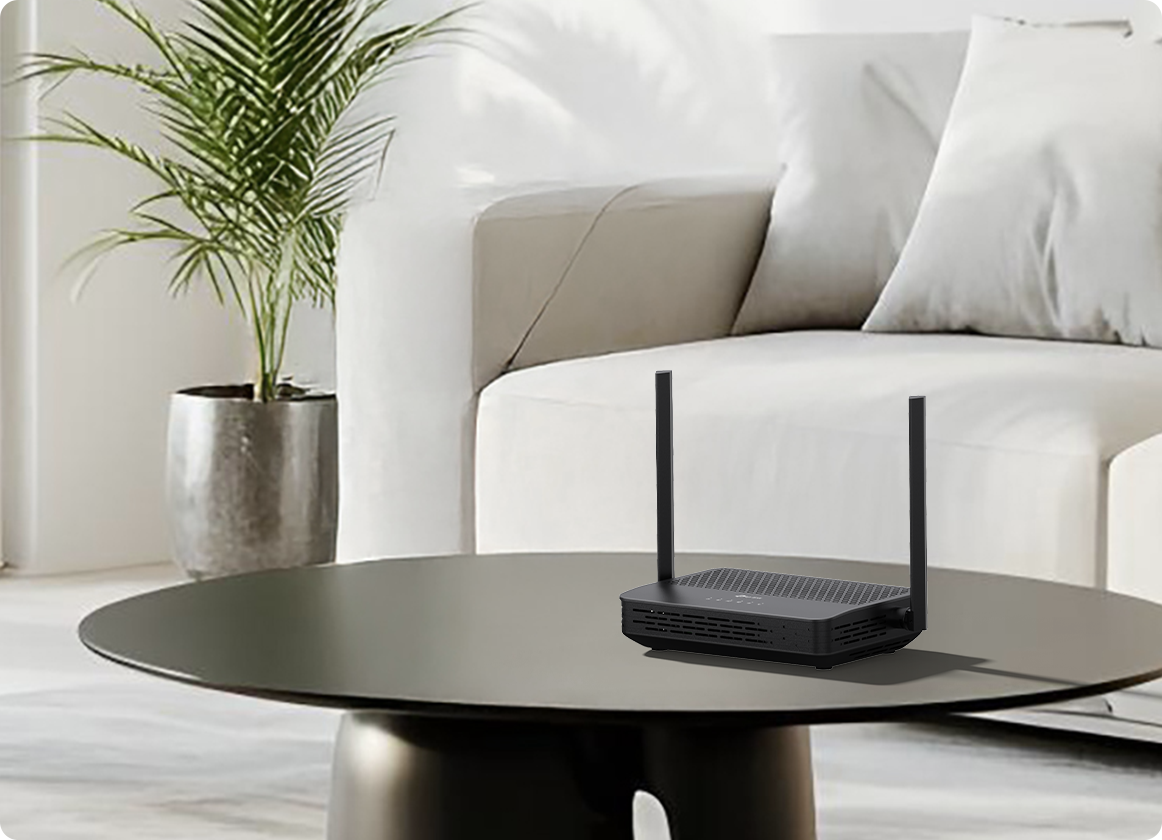
AC1200 Wireless XPON Router
XC220-G3 V3
- Superfast Dual Band WiFi: Up to 1.2 Gbps WiFi speeds, 867 Mbps on 5 GHz, 300 Mbps on 2.4 GHz, *
- Flexible Fiber Access: Supports GPON and EPON dual modes with automatic switching for flexible fiber internet access.
- Gigabit Wired Connectivity: 3× Gigabit Ethernet LAN ports offer flexible and fast internet access.
- EasyMesh-Compatible: Create a smart mesh network with seamless coverage and greater flexibility based on standard mesh technology.§
- Smooth IPTV: Supports IGMP Proxy/Snooping, Bridge and Tag VLAN to optimize IPTV streaming.
- Enhanced Security: WPA3 encryption, Multi-SSID, and parental controls offer personalized and safer online experiences.**
- Compact Fiber Tray Design: Store a redundant fiber cable inside and protect the fiber cable from breaking.
- Easy Setup and Use: Simplifies network and WiFi control and management via the powerful Aginet app.
- Remote Management: OMCI (ONT Management and Control Interface) and TR-069 protocols are supported.
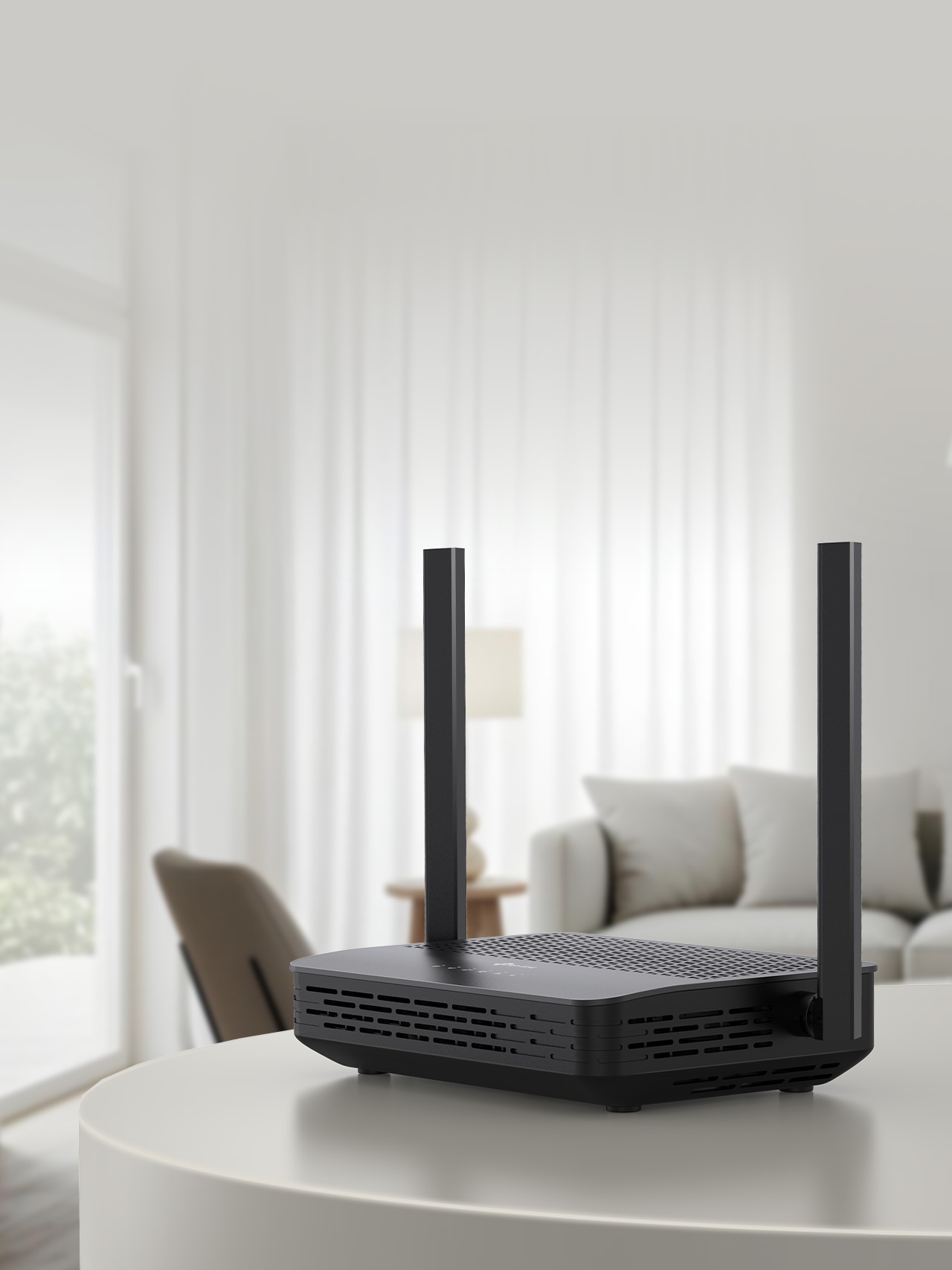 Upgrade Your Home Entertainment AC1200 Wireless XPON Router XC220-G3XC220-G3 features
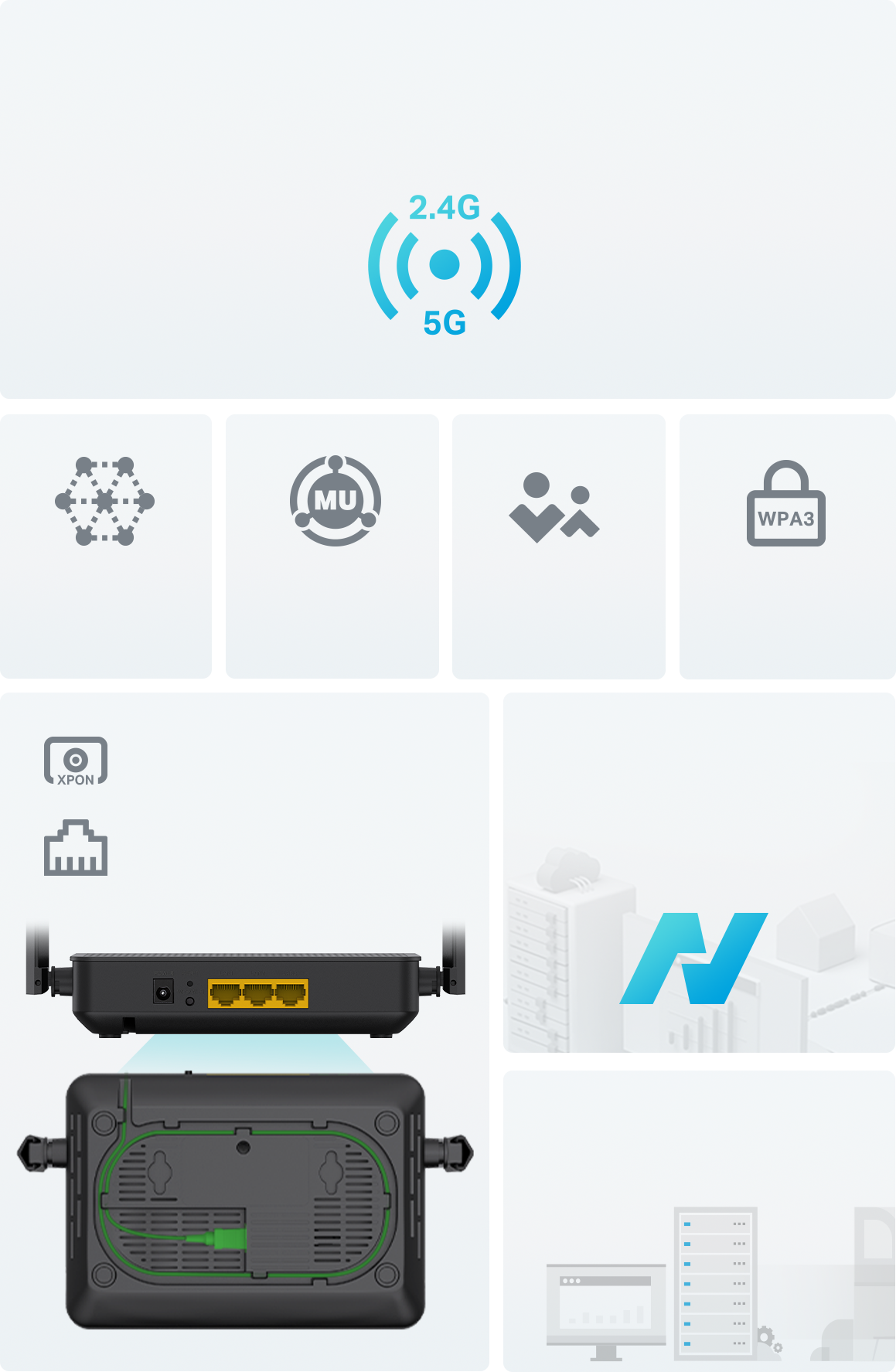 1200 Mbps Dual-Band Speeds 2 + 2 Simultaneous Spatial StreamsEasyMesh-CompatibleMU-MIMOParental ControlsEnhanced SecurityAginet Solution End-to-End Management PlatformTR-069/OMCI
Remote Management GPON + EPON Dual Mode Gigabit Wired ConnectivityDual Band WiFi up to 1.2 Gbps XC220-G3 allows you to connect more devices and stream simultaneously with its dual 2.4 GHz and 5 GHz bands. The 5 GHz band delivers speeds up to 867 Mbps, great for bandwidth-intensive applications like video streaming and online gaming. The 2.4 GHz band provides reliable connections for sending emails, web browsing, and other simple tasks.*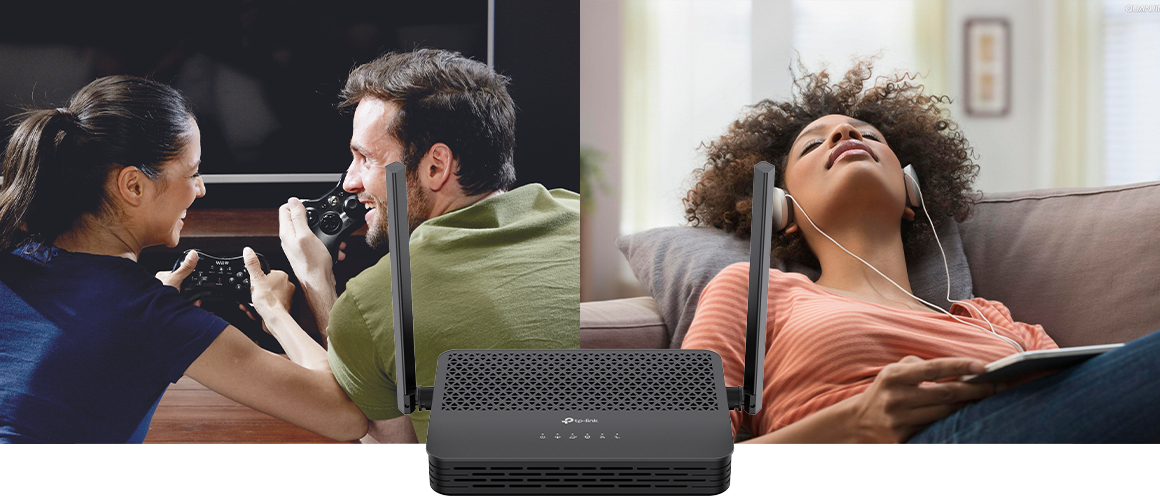 5 GHz
5 GHz 857 Mbps
2.4 GHz
857 Mbps
2.4 GHz 300 Mbps
Connect More Devices Simultaneously Thanks to MU-MIMO technology, the XC220-G3 enables your devices to achieve optimal performance by enhancing communication efficiency and reducing latency. With two simultaneous data streams on both the 2.4 GHz and 5 GHz bands, users can enjoy faster speeds and an improved online experience, even in high-density environments.**
300 Mbps
Connect More Devices Simultaneously Thanks to MU-MIMO technology, the XC220-G3 enables your devices to achieve optimal performance by enhancing communication efficiency and reducing latency. With two simultaneous data streams on both the 2.4 GHz and 5 GHz bands, users can enjoy faster speeds and an improved online experience, even in high-density environments.**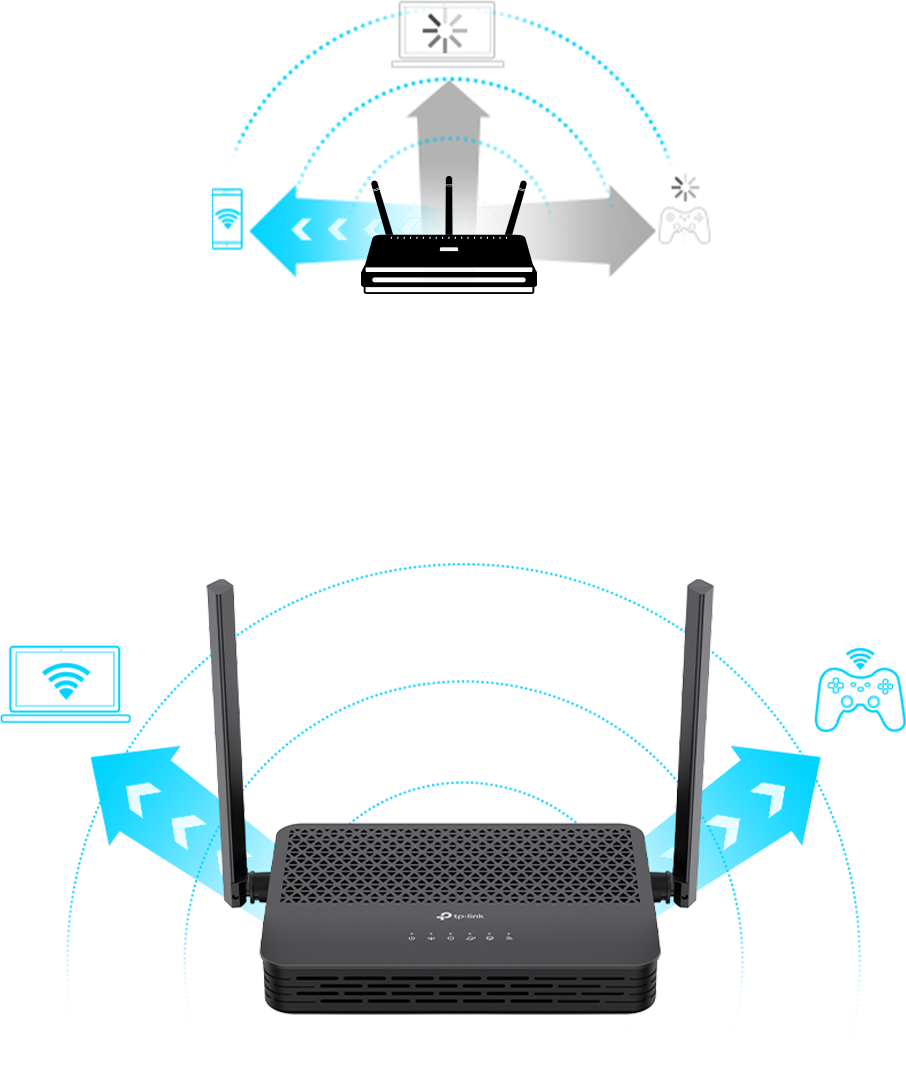 Traditional Routers Stream data to one device at a timeXC220-G3 Stream data to multiple devices simultaneously
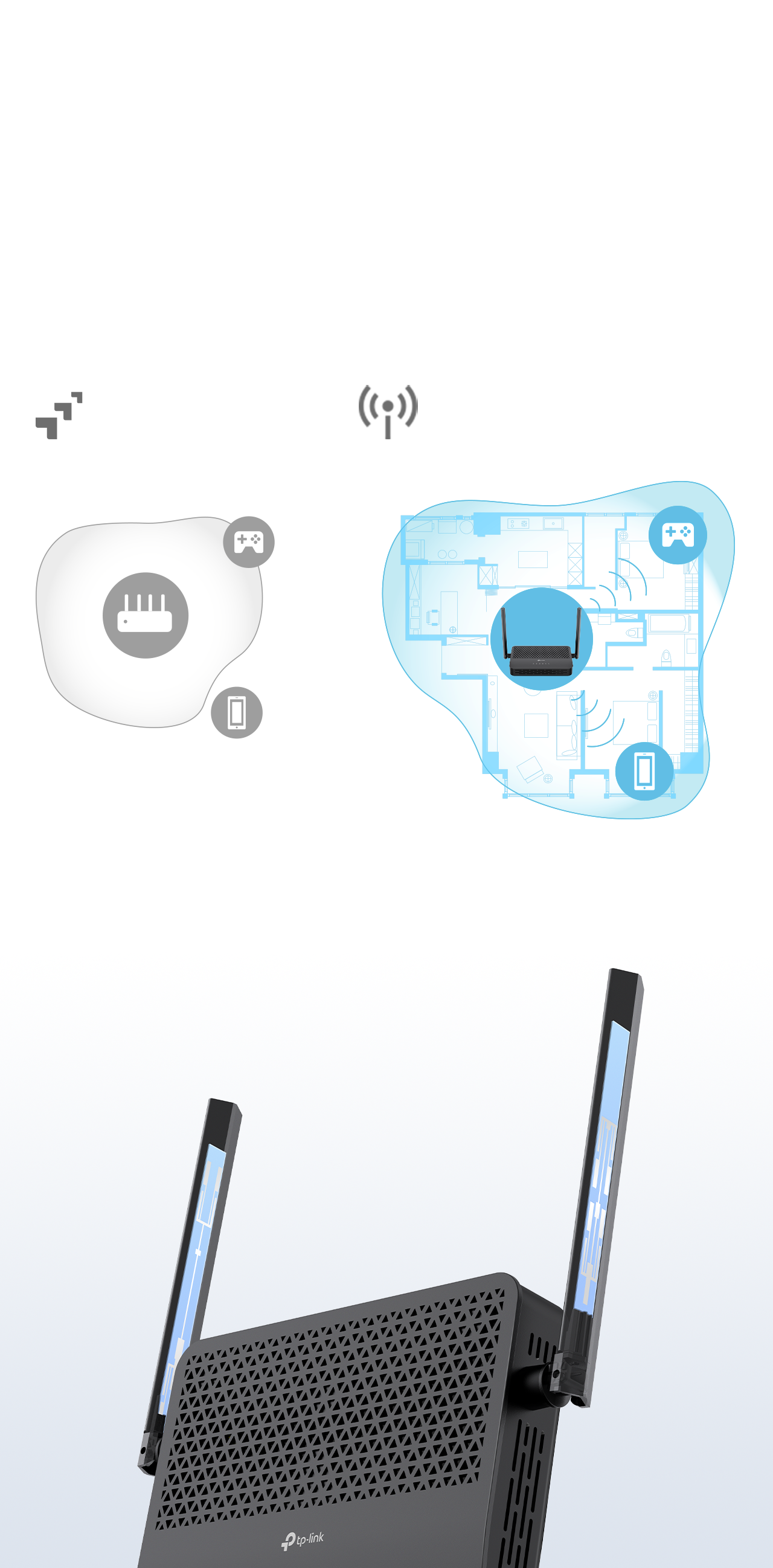 Extensive WiFi Coverage Beamforming technology and high-gain antennas combine to adapt WiFi coverage to perfectly fit your home and concentrate signal strength towards every device.Beamforming 2× Antennas Other Router without Beamforming XC220-G3Smart Mesh WiFi with Greater Flexibility Create a unified mesh WiFi network with other EasyMesh-compatible routers or mesh APs for seamless whole home coverage.§
-
 Whole Home Coverage Eliminate weak signal areas with WiFi coverage for your entire home
 -
 Seamless Roaming Uninterrupted streaming when moving around your home
 -
 One WiFi Name No more switching WiFi network names when you walk around
 -
 Robust Backhaul Supports both wireless backhaul and Ethernet backhaul
-

 EasyMesh Routers
-
Traditional Router with Extender
Gig+ Fiber Access with Gigabit Wired Connectivity Equipped with a GPON + EPON dual-mode PON port, the XC220-G3 delivers up to 2.5 Gbps of internet access via GPON, catering to your high-speed home networking needs, while the EPON mode improves flexibility. The Gigabit Ethernet LAN ports provide your PCs, game consoles, and more with ultrafast and stable wired networking.†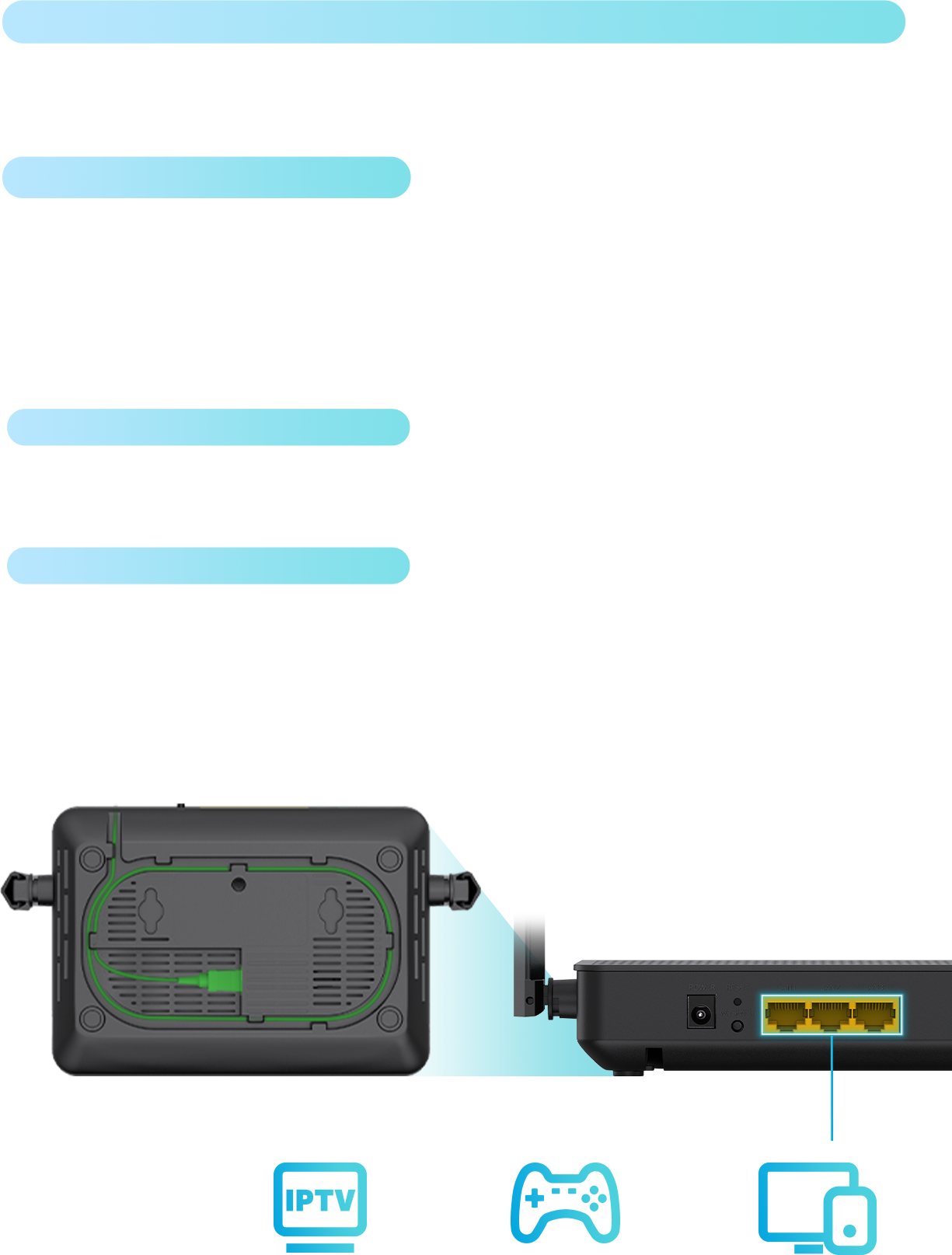 Robust Network Protection
-
 WPA3 Security Higher password safety and enhanced protection against attacks**
 -
 Parental Controls Block inappropriate content and restrict time spent online
 -
 Multi-SSID Create separate networks for visitors and keep your main network secure
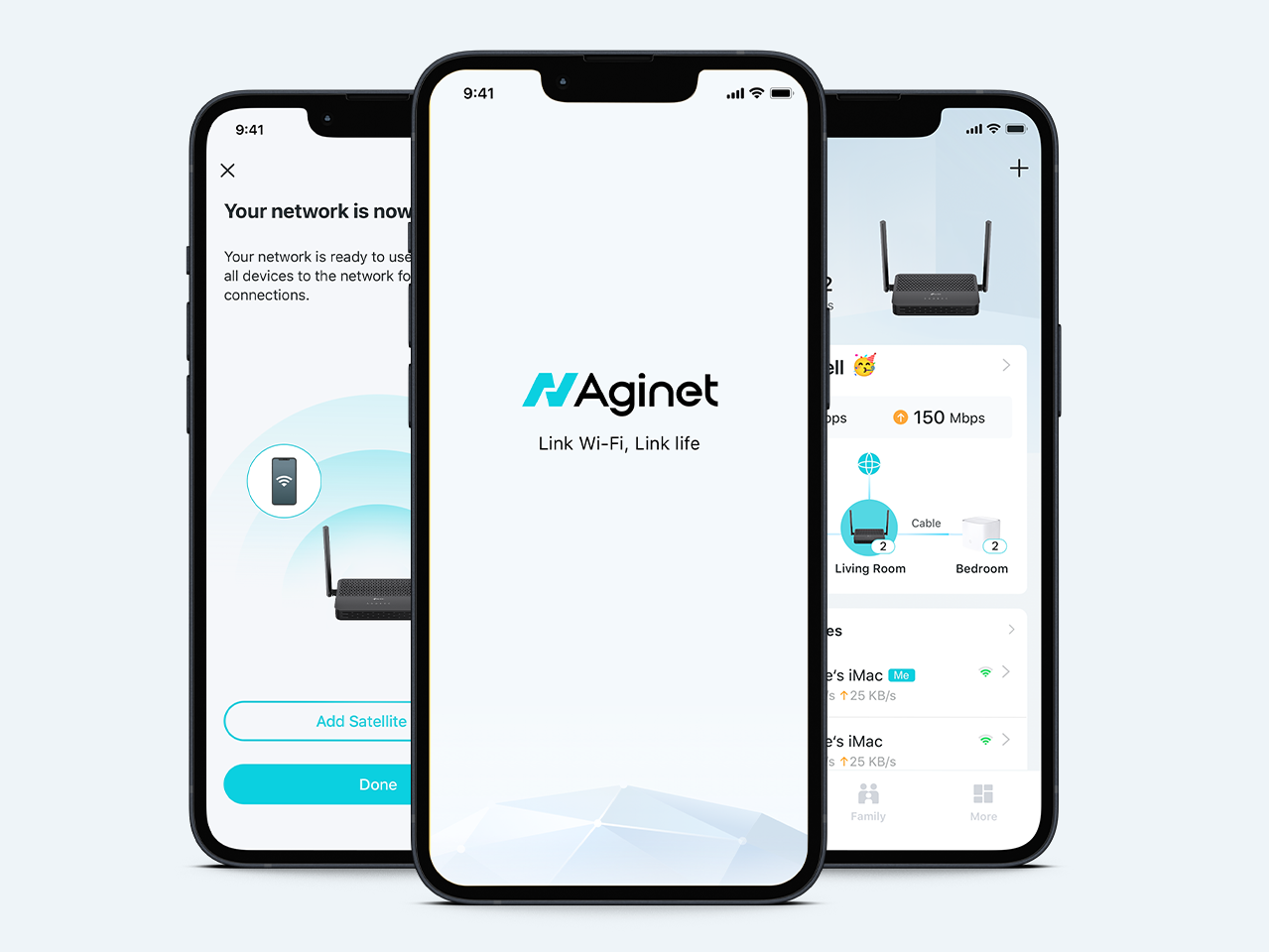
Easy Setup and Use You can set up your device and network in minutes, whether you prefer the powerful Aginet app or the intuitive web interface. The Aginet app allows you to manage your network from a smartphone or tablet.



 Centralized Remote Management Service providers can remotely configure and manage devices using the Auto Configuration Server (ACS), which is based on the TR-069 standard, or the ONU Management Control Interface (OMCI) protocol. Compatibility with TR-181, TR-111, and TR-143 facilitates advanced operations, enhancing service efficiency while simultaneously improving the customer experience for home users.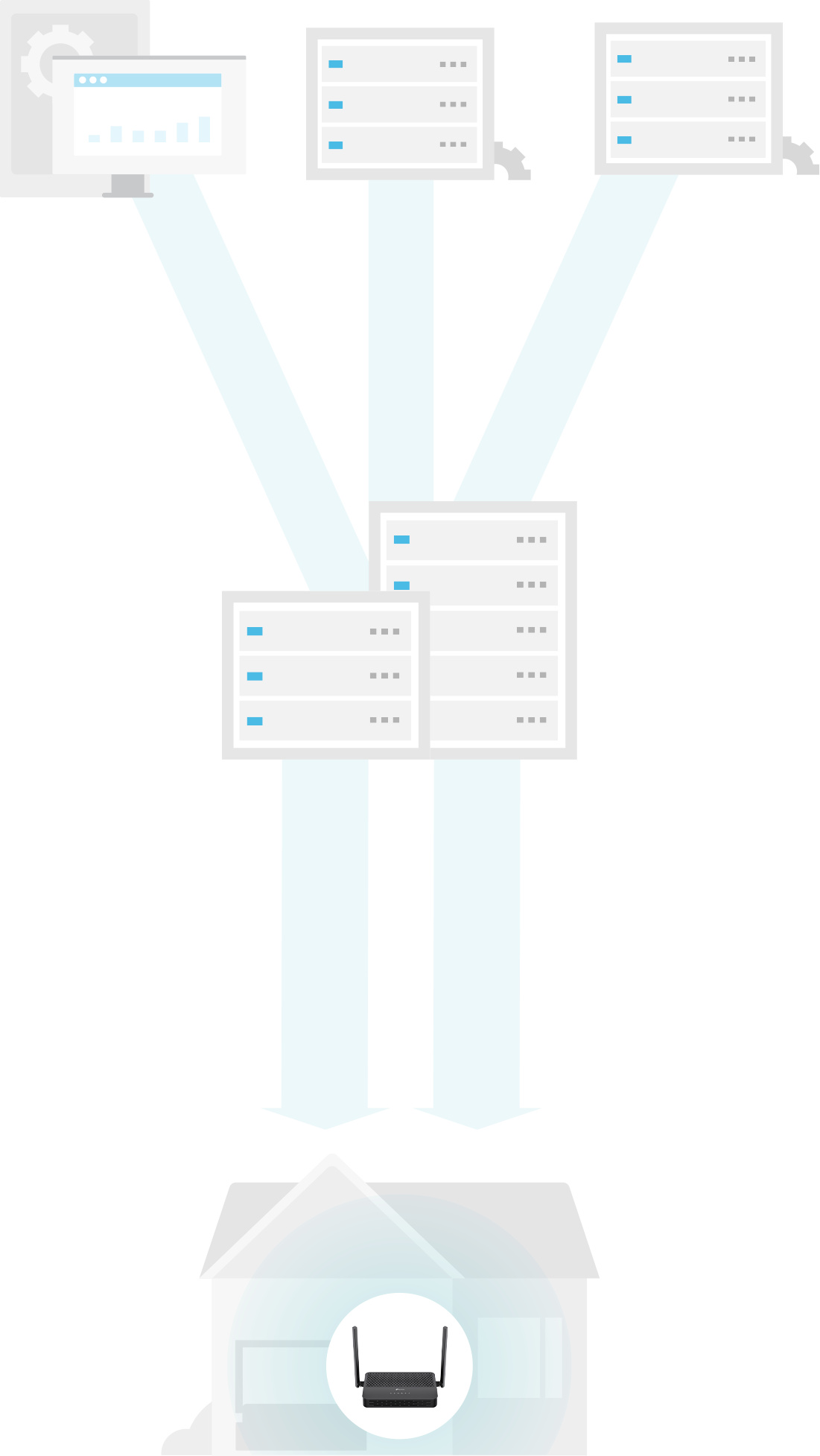
Servers OLT TR-069 TR-069 OMCIAginet Solution:
An End-to-End Management Platform for ISPs The Aginet solution offers ISPs powerful and flexible platforms to manage multiple devices for connected homes, such as dynamic service provisioning, remote firmware upgrading, and troubleshooting. Learn more about the Aginet Solution >

*Maximum wireless signal rates are the physical rates derived from IEEE Standard 802.11 specifications. Actual wireless data throughput and wireless coverage, and quantity of connected devices are not guaranteed and will vary as a result of network conditions, client limitations, and environmental factors, including building materials, obstacles, volume and density of traffic, and client location.
**Use of MU-MIMO and WPA3 requires clients to also support the corresponding features.
†Multi-gig or 1000 Mbps internet speeds require compatible service plans and equipment. Actual network speed may be limited by the rate of the product's Ethernet WAN or LAN port, the rate supported by the network cable, internet service provider factors, and other environmental conditions.
§A mesh network requires two or more devices. This product is compatible with standardized EasyMesh technology but has not obtained the Wi-Fi EasyMesh™ certification. It functions solely as a controller and supports either wireless or wired backhaul, with wired backhaul taking priority. Seamless roaming/No-Drop WiFi refers to the WiFi roaming that supports IEEE 802.11 k/v protocol, helping connected devices search and shift from one AP to another within 0.3 seconds. Clients need to support 802.11 k/v and may require additional setup. Performance may vary depending on the client device.
HARDWARE FEATURES External Power Supply 12V/1.0A Interface 3x GbE LAN Ports1x SC/APC PON Port Button WPS/Wi-Fi Button, RESET Button Antenna 2 External Dual Band Antennas Data Rates Downstream Speeds: 2.488 Gbps (GPON), 1.25 Gbps (EPON)Upstream Speeds: 1.244 Gbps (GPON), 1.25 Gbps (EPON)† WIRELESS FEATURES Frequency 2.4 GHz and 5 GHz Signal Rate 5 GHz: 867 Mbps2.4 GHz: 300 Mbps Wireless Functions Enable/Disable Wireless Radio, WDS Bridge, WMM, Wireless Statistics Wireless Security WPA/WPA2/WPA3 encryptions Wireless Standards IEEE 802.11ac/n/a 5 GHz, IEEE 802.11b/g/n 2.4 GHz Transmission Power 2.4 GHz: 26 dBm(EIRP), 5GHz: 28dBm (EIRP) Wireless Schedule Support 2.4 GHz and 5 GHz Wireless Schedule Mesh Technology EasyMesh compatible, and supports 802.11k/v/r SOFTWARE FEATURES DHCP Server, Client, DHCP Client List, Address Reservation, DHCP Relay Port Forwarding Virtual Server, Port Triggering, DMZ, ALG, UPnP Quality of Service Hardware QoS Dynamic DNS DynDns, NO-IP Management Features Local management: WebGUI management, Aginet app management (for end user)Remote management: Aginet ACS, OMCI, TR-069, TR-098, TR-181,TR-111,TR-143Aginet APP for end user (need to log in with TP-Link ID and bind your device to it)Cloud management: TAUC(TP-Link Aginet Unified Cloud)-ACS Security NAT Firewall, Access Control, MAC/IP/URL Filtering, IP and MAC Address Binding, Defense “Denial of Service (DoS), SYNFlooding, Ping of Death” Advanced Features Parental Controls, Network Address Translation(NAT), Port Mapping(Grouping), Static Routing, DNS Relay, DDNS, IGMP V1/V2/V3 Protocols IPv4, IPv6 OTHERS Package Content XC220-G3 UnitRJ45 Ethernet CablePower AdapterQuick Installation Guide Environment Operating Temperature: 0℃–40℃ (32℉–104℉)Storage Temperature: -40℃–60℃ (-40℉–140℉)Operating Humidity: 10%–90% non-condensingStorage Humidity: 5%–90% non-condensing Network Services Enabled by Default Web Server• Port: 80/443 Protocol: TCPDNS• Port: 53 Protocol: TCP&UDPDHCP Server• Port: 67 Protocol: UDPDHCPv6 Server• Port: 547 Protocol: UDPAPP management• Port: 22 Protocol: TCP• Port: 20002 Protocol: UDP 


